Free App
Download the VIPSports App – Bangladesh's Best Betting App, Now on Android & iOS
Anytime, anywhere — place live bets, play casino games, follow sports, and make payments with just a few taps on the vipsports app.

Anytime, anywhere — place live bets, play casino games, follow sports, and make payments with just a few taps on the vipsports app.
Android, iOS, or straight from your browser — enjoy the full vipsports experience all three ways.
Works on Samsung, Symphony, Walton, and all other Android phones. Install directly via APK.
A native app experience for iPhone and iPad. Install from the App Store or directly.
Play directly in your browser with no download needed. Get the full experience on Chrome or Firefox.

Tap the "APK Download" button above. The file will be saved to your phone's Downloads folder.
Go to Settings → Security → Unknown Sources and turn it on. You only need to do this once. On Samsung phones: Settings → Apps → Special Access → Install Unknown Apps.
Tap the vipsports.apk file in your Downloads folder and press the "Install" button.
Once installation is complete, tap "Open". Log in with your vipsports account or register a new one.
Log in to the app for the first time and unlock a special app-exclusive bonus. Don't miss it.
Always open the iOS download link in Safari. It may not work in Chrome or other browsers.
Once the page loads, tap "Allow" or "Download". A Configuration Profile will be downloaded.
Go to Settings → General → VPN & Device Management, tap the vipsports profile, and select "Trust".
Once you tap Trust, the vipsports icon will appear on your iPhone's home screen.
Open the app, log in, and start betting. There's also an exclusive bonus available for iOS users.

The app offers exclusive perks that aren't available on the browser version.
Loads 3x faster than the browser. Never miss odds, even on a slow connection.
Get instant alerts for match kicks-offs, odds changes, and bonus offers.
Check scores and match history even without an internet connection.
Log in in seconds with your fingerprint or Face ID.
Watch select matches live right inside the app.
App users receive special bonuses and vouchers every month.
Deposit and withdraw via Mobile Pay, Nagad, and Rocket — all directly from the app.
Talk to the support team directly from the app, 24/7.
Dark theme activates automatically for comfortable night-time viewing.
Which one is better? See the comparison below.
| Features | Android App | iOS App | Mobile Browser |
|---|---|---|---|
| Live Betting | |||
| Push Notifications | Limited | ||
| Biometric Login | No | ||
| Live Streaming | Limited | ||
| Offline Scores | No | ||
| App-Exclusive Bonus | No | ||
| Mobile Pay/Nagad Payment | |||
| Storage Required | 28 MB | 31 MB | 0 MB |
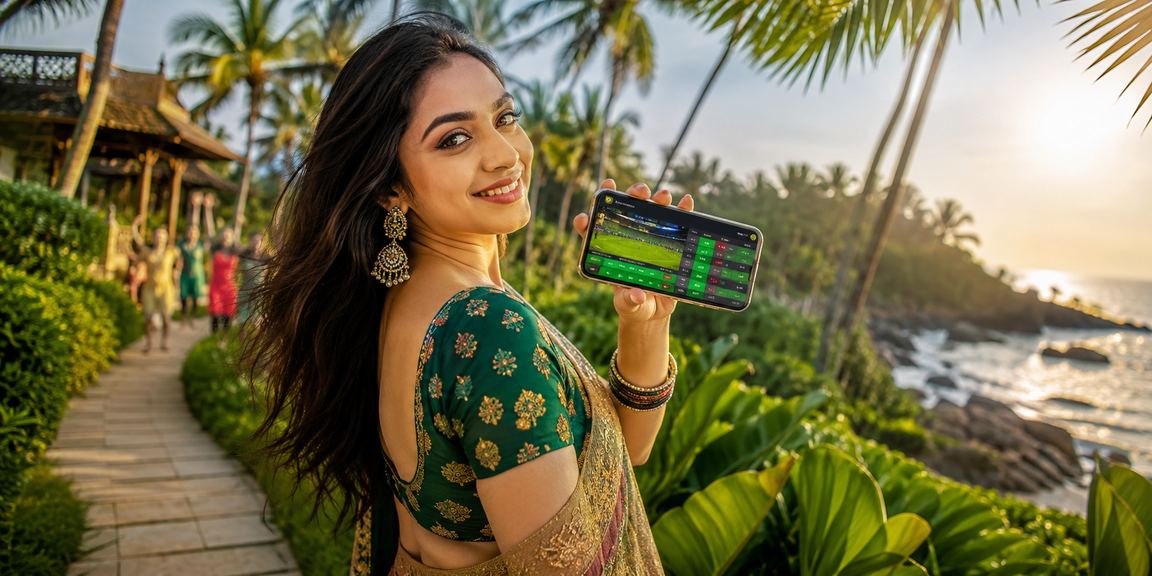
"Since downloading the vipsports app, I haven't gone back to the website. It's incredibly smooth — the live betting screen especially looks great. And with push notifications, I never miss an offer."
"I was nervous about installing the APK at first, but the guide made it really easy. Runs great on my Symphony phone too. Payments via Mobile Pay are completely hassle-free."
"Installing on iPhone took a bit of effort, but the support team helped me through live chat. The app works great now. Face ID login is a really nice touch."
With smartphone use in Bangladesh growing rapidly, people want to handle everything from their phones — shopping, banking, entertainment — all at their fingertips. vipsports understands this shift, which is why the mobile app is their top priority.
Many betting platforms have apps that look great but are frustrating to use. The vipsports app was built specifically for users in Bangladesh — everything is available in Bangla, payments via Mobile Pay and Nagad are fully supported, and it performs well even on low data.
📱 Did You Know? 78% of vipsports app users are on budget Android phones from Walton or Symphony. That's why the app is specifically optimized to run smoothly even on low-spec devices.
4G coverage is still inconsistent across many parts of Bangladesh — in rural areas and hilly regions, 2G is often the only option. The vipsports app was built with this in mind. In low bandwidth mode, it runs smoothly on as little as 50 kilobits per second.
A stable connection is essential for odds updates during live betting. The vipsports app features smart reconnect technology — if your connection drops for a few seconds, the app automatically restores it.
Vipsports releases monthly app updates, which typically include new games or betting markets, security improvements, and bug fixes. Update notifications appear inside the app — stay attentive and you'll always be on the latest version.
The vipsports app is completely secure. Every APK file is verified with a digital signature, and your personal and payment data is protected by 256-bit SSL encryption. Always download from the official vipsports page — never from third-party app stores.
The vipsports app supports all major payment methods in Bangladesh. Deposit in just 30 seconds via Mobile Pay, Nagad, or Rocket. Withdrawals are typically processed within 24 hours. Card and bank transfer payments are also supported.
If you run into any issues installing or using the app, vipsports offers 24/7 live chat support. Just tap the "Help" button inside the app to connect with the support team. Common issues — such as APK install errors, login problems, or stuck payments — are typically resolved within 5 minutes.